Technical screening tests save senior engineers from endless first rounds. Done well, a 30-minute domain knowledge screen eliminates the bottom half of a candidate pool before a single human hour is spent. Done poorly — three-hour take-homes, gotcha trivia, arbitrary cutoffs — they reject strong candidates, damage your employer brand, and generate no useful signal about whether someone can actually do the job. The difference is design: scope the test to what matters on day one, keep it time-bound, and match the format to what the role actually requires.
A technical screen answers one question: does this candidate have the minimum domain knowledge and reasoning ability to be worth a senior engineer's time in an interview? It is a filter, not a ranking mechanism. The goal is to eliminate the clearly unfit, not to rank the qualified. That distinction matters because it determines the right question depth, the right cutoff, and the right timing.
Technical trivia — questions that test whether someone memorised a specific function signature, a non-critical API quirk, or a historical version change — produces false negatives. Strong practitioners who look things up as a normal part of their work will fail these questions. Tests that penalise modern working habits (searching documentation) while your actual team uses those habits daily are measuring the wrong thing.
For a backend software engineer screen: HTTP request-response lifecycle, common data structures (arrays, hashmaps, queues), REST API design principles, basic SQL joins and aggregation, common security vulnerabilities (SQL injection, XSS). For a data analyst screen: SQL GROUP BY and window functions, mean vs median vs mode in context, chart type selection for given data, common pivot table operations. For a finance associate screen: accounting equation and double-entry principles, P&L versus balance sheet, basic ratio analysis (P/E, current ratio), time value of money.
The 45-minute window is a practical ceiling for a screening test. Above that, completion rates drop and you start receiving applications only from candidates who are either desperate or have a lot of time — not a reliable proxy for quality. For a 45-minute screen, a 30-question MCQ or 25 questions with a few scenario items is well-paced. Time each question yourself without help, add 50% buffer for candidates who read more carefully.
The screen should be calibrated to the interview panel's expectations, not built in isolation by HR. Have two or three senior engineers or domain experts in the relevant team review the question set and attempt it themselves before launch. They will immediately identify questions that are too easy (everyone on the team answers them correctly), too hard (edge-case knowledge beyond day-one requirements), or ambiguously worded. This calibration step takes two hours and prevents months of hiring mis-signals.
MCQ-based technical screens are better for volume hiring — they auto-grade, eliminate instantly, and can be delivered to hundreds of candidates simultaneously. Live coding screens (collaborative or take-home) are higher signal for roles where writing quality code matters more than domain knowledge. For most volume technical hiring — entry-level, associate, and generalist roles — an MCQ domain screen followed by a structured technical interview is the strongest combination at the lowest cost.
Question shuffle matters more for technical screens than for most assessments, because technical communities share test questions quickly once word spreads that a company uses a particular test. Rotate your question bank every two hiring cycles. Use a bank of at least 60–80 questions and draw 25–30 randomly per candidate. This makes memorised answer lists much less useful.
For a role where minimum domain knowledge is required, set the cutoff at the score that represents that minimum — not at "top 30%" or "above average." If 70% of your candidates genuinely have the minimum required knowledge, a 30th-percentile cutoff rejects most of them. If only 20% do, the bar should reflect reality, not a target headcount. Review the score distribution after the first screen and recalibrate.
Technology stacks evolve. A Python screening test built in 2022 may still reference deprecated patterns that a 2026 graduate would not recognise, while missing questions about tools that are now industry standard. Set a calendar reminder to review every technical screen annually: remove references to outdated technology, add questions on tools your team now uses daily, and update framework version references. A test that has not been reviewed in over a year is probably measuring knowledge of your team's past, not its present.
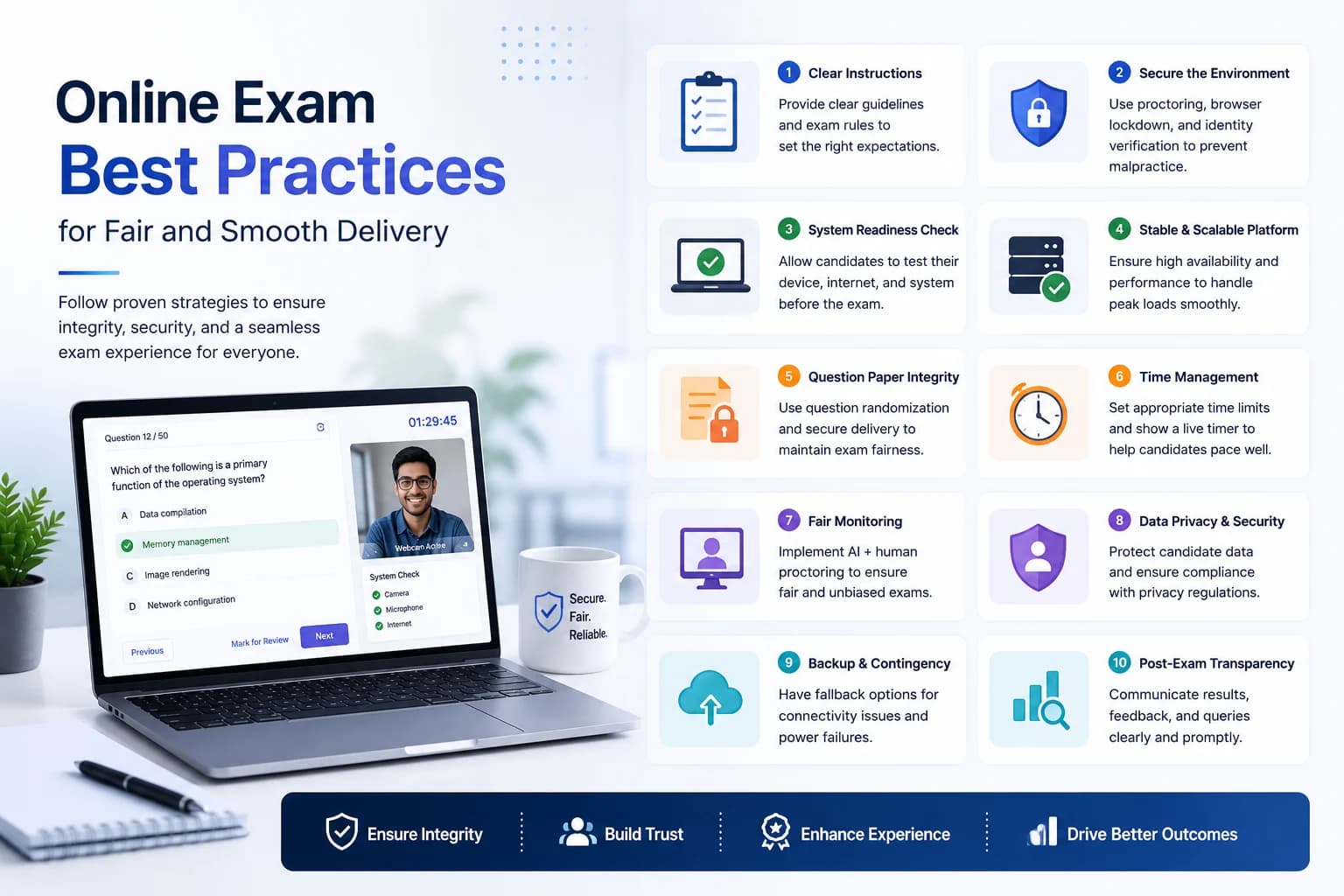
Tell candidates what the screen covers, how long it takes, when they will hear back, and what the next stage looks like. Candidates who know what to expect are less anxious and perform more consistently. Candidates who receive no communication after submission assume they failed and may accept other offers. A simple automated confirmation email after submission and a timeline communication go a long way.
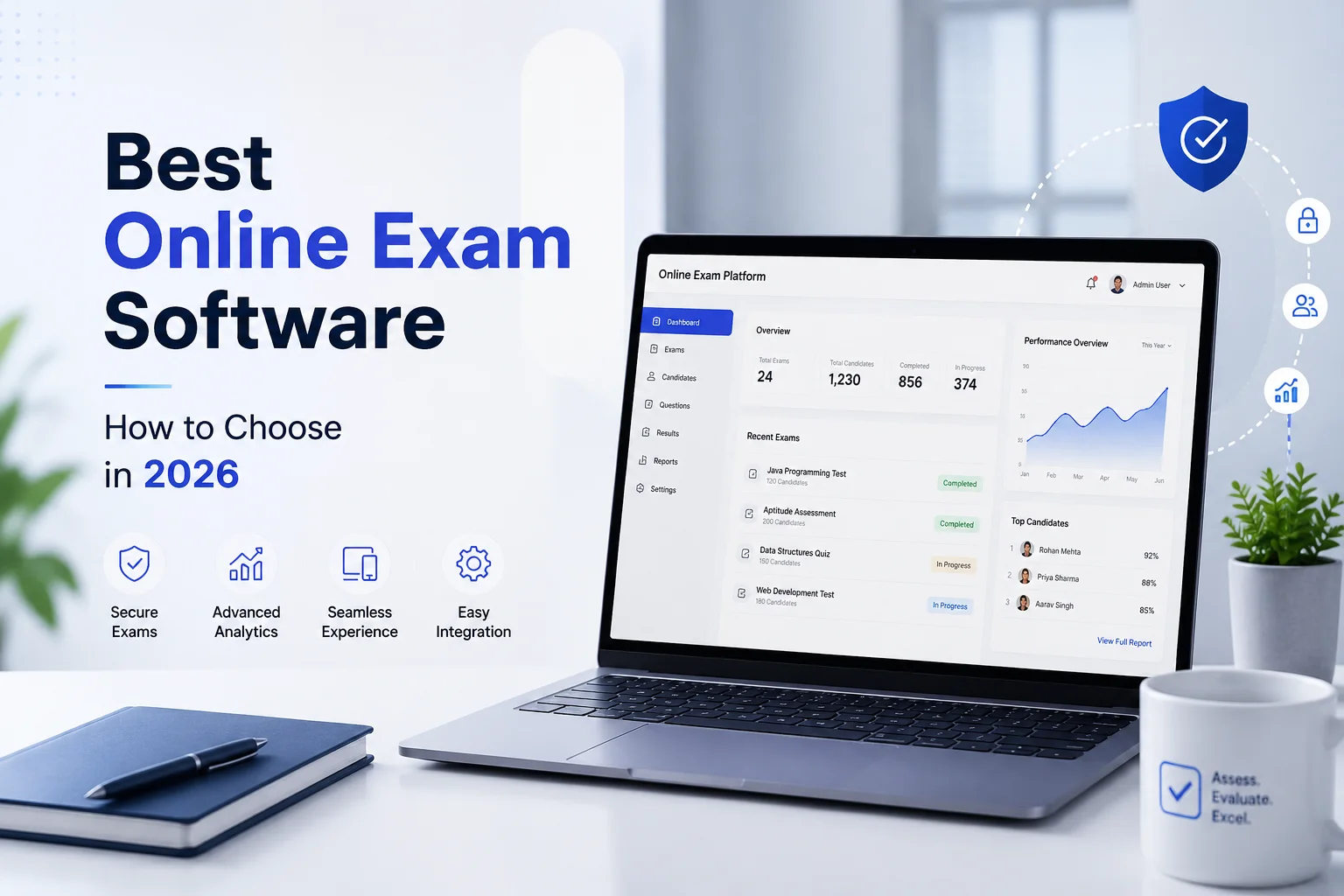
For a volume technical screen, sending individual calendar invites or messages for each candidate is a logistical nightmare. EasyEvaluate's dashboard lets you import a candidate list and send email invites to the entire batch in one action. Candidates receive a personalised link, the timer starts when they open it within the defined window, and results are available immediately after auto-submit. No manual coordination required.