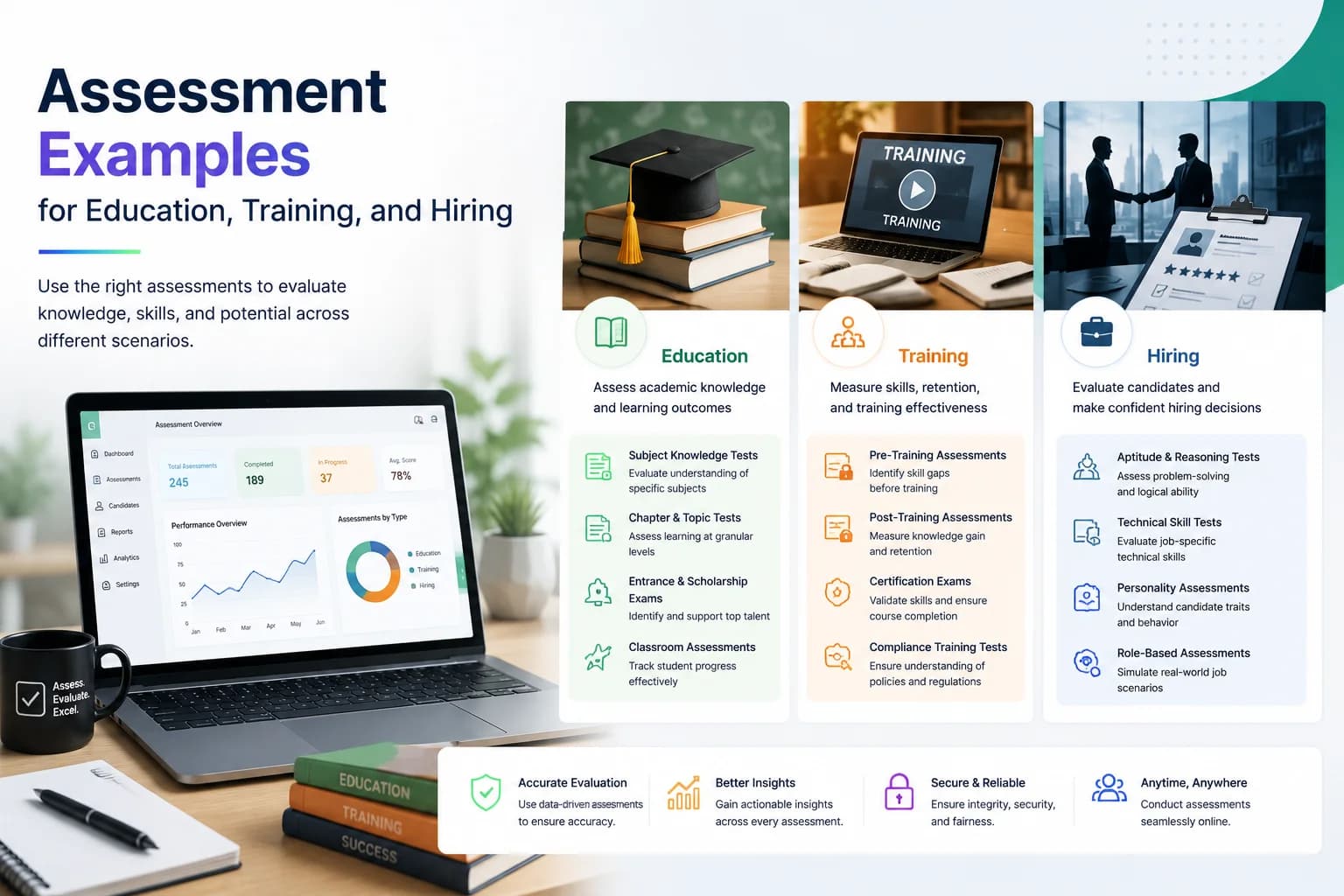
"Best online exam software" depends almost entirely on what you are trying to accomplish. The right tool for a college running semester internals looks nothing like the right tool for an HR team screening 500 applicants, and neither looks like what a coaching institute needs for daily mocks. Before you evaluate any platform, write one sentence describing the decision your exam needs to support — admission, grading, certification, or shortlisting. That sentence determines which features are table stakes and which are noise. This guide breaks down the real requirements by use case, the questions to ask vendors, and why starting free matters more than picking the most feature-rich option.
Marketing pages for exam software love superlatives. Every tool claims to be the most secure, easiest to use, and most powerful. What matters is fit: does the platform let a non-technical teacher create a 30-question MCQ paper in under ten minutes? Can an HR coordinator send invites to 200 candidates without writing a single line of code? Does grading happen the moment the timer runs out? Those are the actual bars.
There are four broad categories: form tools (Google Forms, Typeform), LMS platforms (Moodle, Canvas), dedicated exam software (EasyEvaluate, Mercer Mettl), and code-only assessment platforms (HackerRank). Form tools work for low-stakes surveys and quick checks. LMS platforms shine when courses and exams must live together. Dedicated exam software is best when your primary job is creating, securing, and scoring exams at volume. Code-only platforms solve a narrower problem: live coding screens.
EasyEvaluate sits in the dedicated exam software category and is free to use for core features — create papers, run timed exams, auto-grade, and export results without paying anything. Optional add-ons like AI proctoring and an AI question generator are available at $5/mo each if your use case demands them.
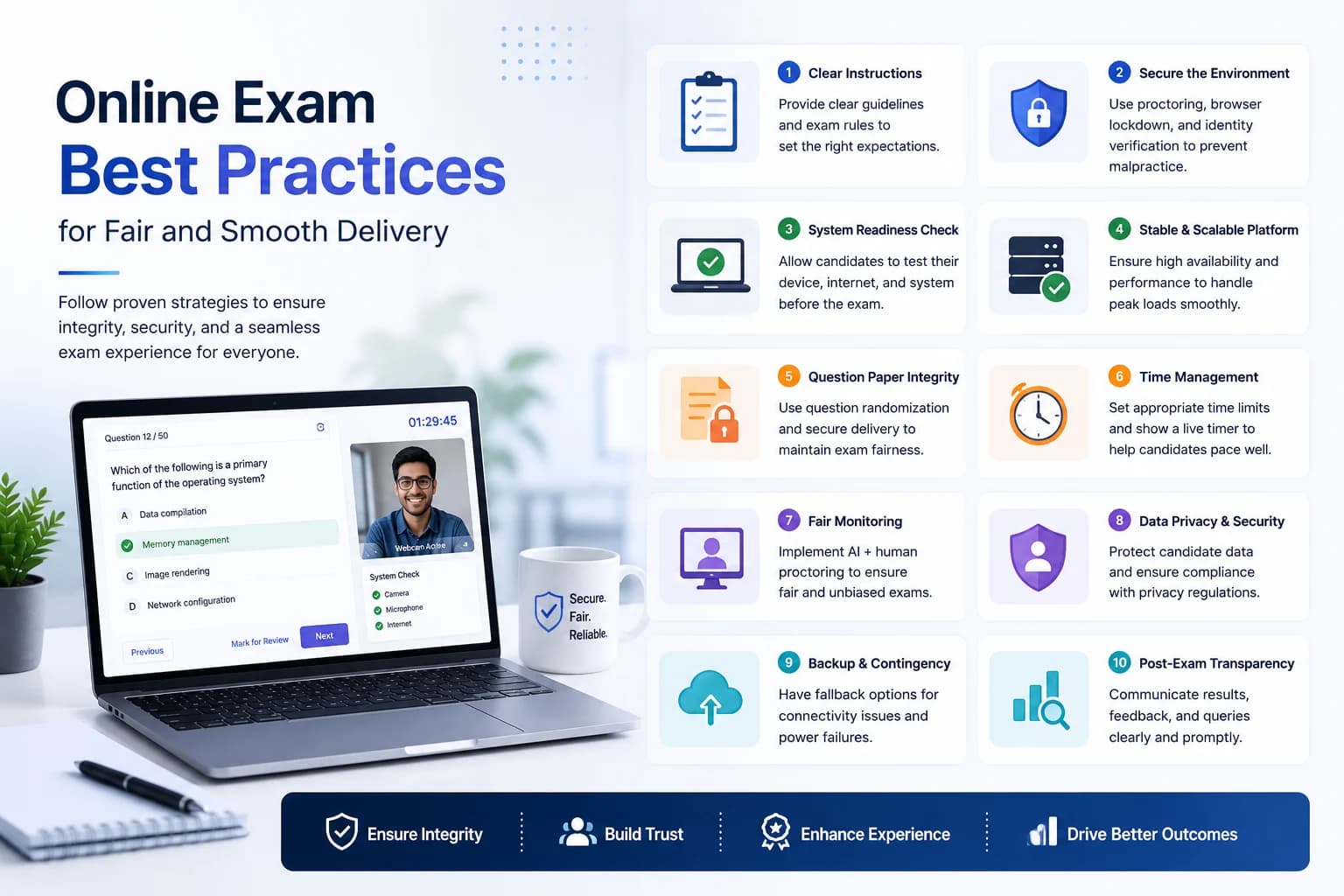
Anti-cheating in online exams is a spectrum. The baseline is randomising question and option order, enforcing a fullscreen or focused-window mode, and limiting tab switches. That handles opportunistic cheating from most candidates. For higher-stakes tests, you need webcam-based proctoring — either AI-flagged in real time or recorded for human review afterward.
Ask vendors: Does shuffle happen per-candidate or globally? Can you restrict access to specific IP ranges? How long are recordings stored? EasyEvaluate's optional AI proctoring stores recordings securely for 5 days, which gives you enough time to review flagged attempts before results are finalised — without indefinite storage liability.
Auto-grading for objective questions should be instantaneous after submission. Useful reports go beyond a simple score list: you want per-question accuracy rates so you can retire badly written items, candidate time-on-question data to spot unusually fast completions, and a filterable export so the hiring manager or academic coordinator can sort by score without touching the admin panel.
A clunky candidate interface generates support tickets, late starts, and anxious messages. Students who struggle to load the exam blame the institution, not the software vendor. The best exam platforms load on a basic smartphone connection, explain the exam rules clearly on screen before the clock starts, and give instant confirmation after submission. Candidates should never be left wondering if their answers were saved.
Some platforms charge per candidate attempt, which is brutal for schools running frequent quizzes or coaching institutes with daily mocks. Others charge per question bank slot or per exam created. The cleanest model is a flat subscription or genuinely free core with paid add-ons for advanced features. Always run the math on your actual monthly exam volume before comparing headline prices.
Teachers need to build a unit test in under fifteen minutes using content they have already written. They do not want to learn a complex interface between periods. Results should be available immediately so they can review answers with the class the next day. Batch import of students or a simple shareable link beats individual registrations every time.
Coaching institutes run high volumes of practice papers. They need a question bank that stores hundreds of items, the ability to assemble papers from that bank quickly, and mock results that mirror the real exam's layout and timing. Institutes competing for students also want their branding visible on the candidate interface.
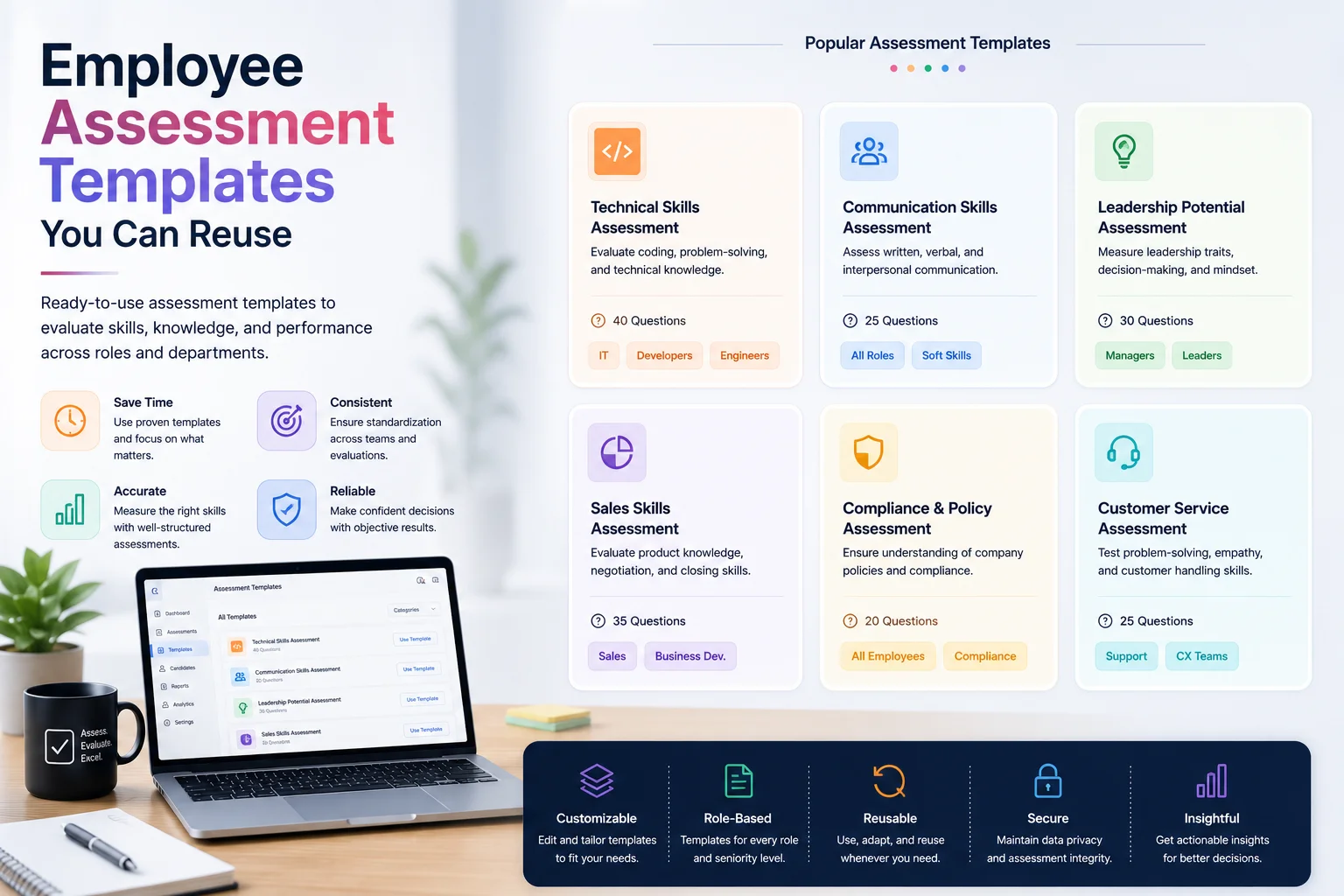
Recruiters need to send test links to candidate batches from one dashboard rather than forwarding one link via a hundred individual emails. Scoring should be automatic and comparable across candidates, and the export needs to plug into whatever shortlist spreadsheet the hiring manager uses. Speed matters: campus drives often have tight one-day windows.
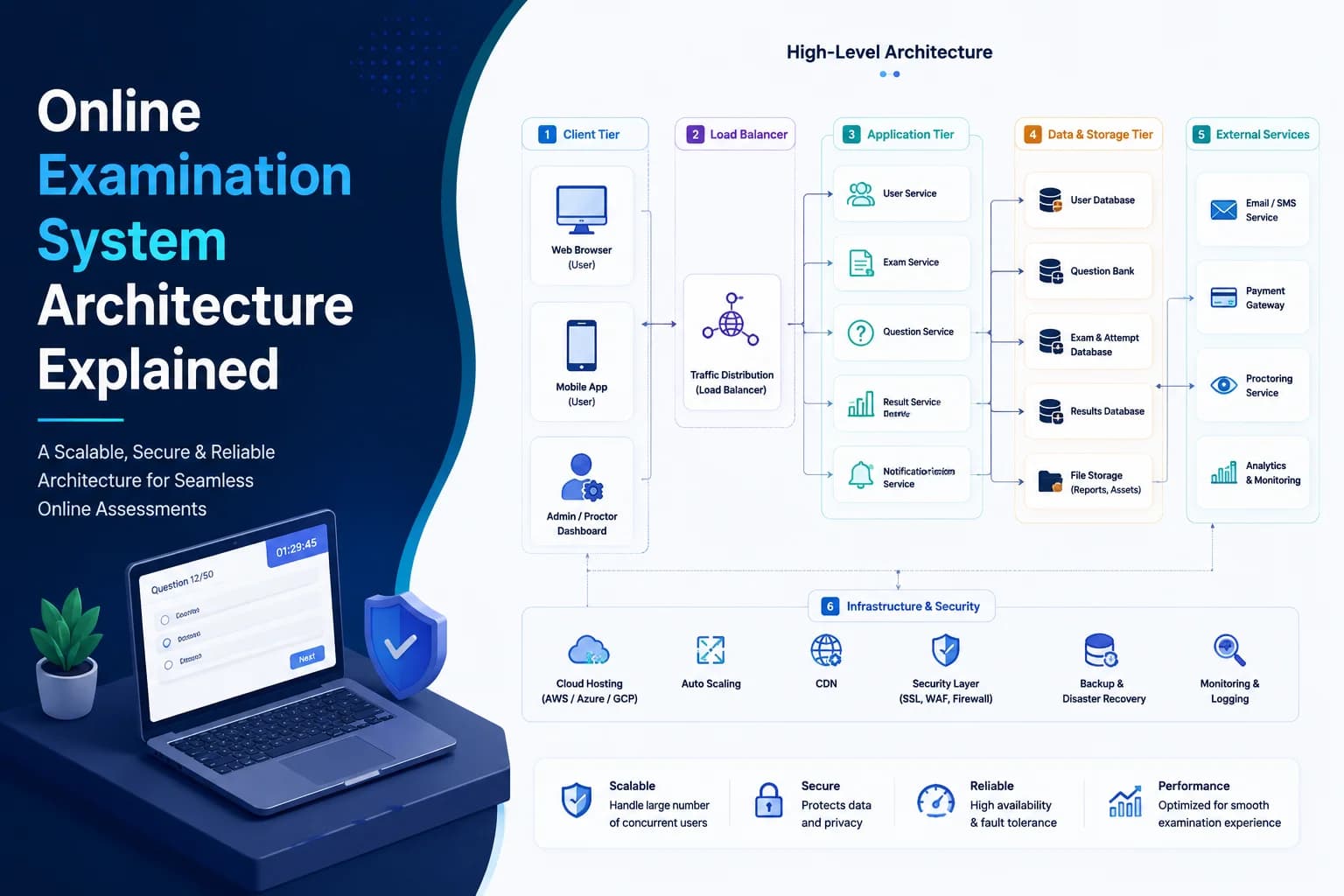
Do not let vendors run a scripted demo. Ask them to create a real paper from scratch while you watch, attempt it from a phone, and export the results — all in one session. That single workflow surfaces setup friction, mobile compatibility gaps, and export quality issues that never appear in a marketing video. Also ask: what is the maximum concurrent user count tested in production? What happens when the platform goes down during a live exam?
The most common mistake is evaluating by feature count. A platform with 40 question types is useless if the core MCQ workflow is slow and the mobile interface breaks on 4G. The second mistake is not testing with real candidates before committing — colleagues in a controlled environment do not surface the same issues as students accessing the exam from home on varying devices and connections.
A third common mistake is selecting based on brand recognition rather than fit. Larger, more expensive platforms often have the most friction for small teams. A school with one exam coordinator does not need enterprise features — they need something that works in ten minutes without reading documentation.
Start with free. EasyEvaluate gives you full exam creation, delivery, anti-cheating controls, auto-grading, and email invites from the dashboard at no cost. If you later need AI proctoring for high-stakes exams or the AI question generator to speed up paper creation, those are $5/mo add-ons you can switch on without migrating platforms. Commit to a paid plan only after a real pilot shows the tool fits your workflow.