Choosing online exam software for colleges is a different problem from choosing software for a single classroom. A college deployment touches multiple departments, hundreds or thousands of students, varying faculty technical comfort levels, and exam schedules that peak simultaneously across the institution. The wrong choice costs faculty hours, generates student complaints, and creates integrity vulnerabilities at exactly the moment you cannot afford them — midterm and final exam weeks. This guide gives academic administrators a structured framework for evaluation, from requirements gathering through vendor selection to rollout.
A recruiter running a 45-minute aptitude screen has clear, narrow requirements. A college deploying exam software across its engineering, commerce, and humanities departments faces a much broader set of constraints simultaneously:
Use this as a minimum bar when evaluating any vendor. If a platform cannot check all of these, it is not ready for a college deployment:
These are not blockers on day one, but they matter for a multi-year relationship with a platform:
Sales demonstrations show best-case scenarios. These questions cut through to what the platform is actually like to use in production:
Setup time: How long does it take a faculty member with no platform training to publish their first paper? If the honest answer is more than 30–45 minutes, adoption will be low.
Peak concurrency: What is the platform's documented concurrent user capacity? Ask for specifics — not "thousands of users" but "2,000 simultaneous active exams with sub-3-second page load." Ask what happens when that limit is exceeded.
Data residency and privacy: Where is exam data stored? How long is it retained? Who has access? This matters for institutions with regulatory requirements on student data.
Support during exam windows: What support is available if something goes wrong at 10 AM on final exam day? Email with a 24-hour SLA is not useful. Check whether live chat or phone support is available during business hours in your time zone.
Free pilot: Can one department use the platform at no cost before a full institutional commitment? EasyEvaluate's core is free with no credit card required — you can run a real pilot with a real exam before deciding anything.
Migration path: If you later want to move question banks out, is that possible? Proprietary formats that lock you in are a risk for long-term deployments.
EasyEvaluate's free core covers the minimum requirements for most college use cases: timed exams, question shuffling, attendee restrictions, scheduling windows, rich content support including LaTeX, and exportable marksheets. There is no per-student seat fee and no cap on the number of exams or questions, which means the cost scales better than most competitors as student numbers grow.
The two paid add-ons address the specific upgrade needs that colleges most commonly request after running the free tier:
For a college with 50 faculty members each running 4–6 assessments per semester, the AI question generator often pays for itself in the first month of use.
A common mistake in college software rollouts is trying to migrate the entire institution at once. Platform confusion, support overload, and faculty resistance all compound when every department goes live simultaneously. A staged approach works better:
Month 1 — Single department pilot: Choose one department with a faculty member who is reasonably comfortable with technology. Run one real quiz (not a test quiz, a real graded one) and measure: How long did setup take? How many student support tickets were raised? Were results exported and uploaded to the gradebook without errors?
Month 2–3 — Expand within the pilot department: Run a full semester's quiz cycle for that department. Include a higher-stakes exam if the pilot went smoothly. Identify and document the two or three most common faculty questions so you can answer them proactively during the broader rollout.
Month 4+ — Broader rollout: Bring in additional departments using the documented setup guide from the pilot. Faculty from the pilot department become internal reference points — peer recommendations carry more weight than vendor documentation.
Faculty adoption is usually the hardest part of a college software rollout, not the technology itself. A few things consistently make the difference:
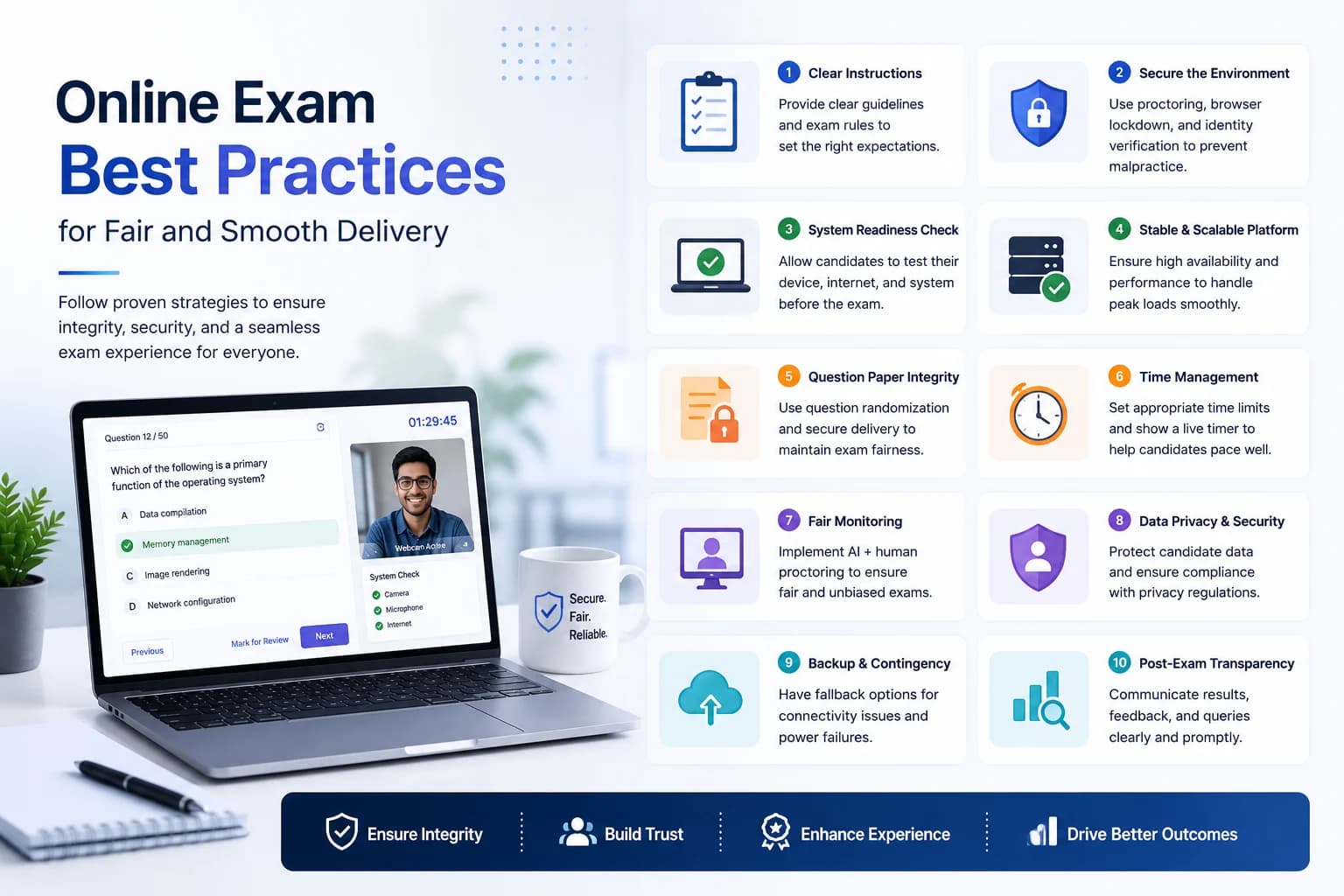
The anti-cheating controls most relevant for college exams are question shuffling (from a large bank), attendee restrictions, timed auto-submit, fullscreen enforcement, and tab-switch detection for medium-stakes exams. For remote final exams or entrance assessments, add AI proctoring. The key is calibrating the control tier to the stakes — over-securing a weekly quiz creates student friction without meaningful integrity benefit.
One underused approach at the college level: publish last semester's results analytics to faculty heads. When a department sees that 60 percent of students answered a specific question incorrectly, they can investigate whether it is a teaching gap or a question quality issue. This closes the feedback loop between assessment data and curriculum planning in a way that paper-based exams never could.