Basic anti-cheating stops easy malpractice. Question shuffle, fullscreen enforcement, and tab-switch limits handle the opportunistic cheater — the student who wants to Google an answer or ask a friend for help. But for exams where the outcome determines access to limited seats, scholarships, certifications, or hiring decisions, that baseline is not enough. AI and manual proctoring go further by monitoring attempts in real time and creating a reviewable record. This guide explains when proctoring adds genuine value, what it actually does technically, and how to use it without creating an excessive surveillance burden on candidates.
There is no single cheating prevention method that works for all exams. Think of it as a spectrum of controls, each adding cost and complexity but also adding deterrence and evidence. Choose the level of the spectrum that matches the stakes of the exam. Applying heavy proctoring to a five-question formative quiz wastes everyone's time; running a certification exam without any proctoring leaves results vulnerable to challenge.
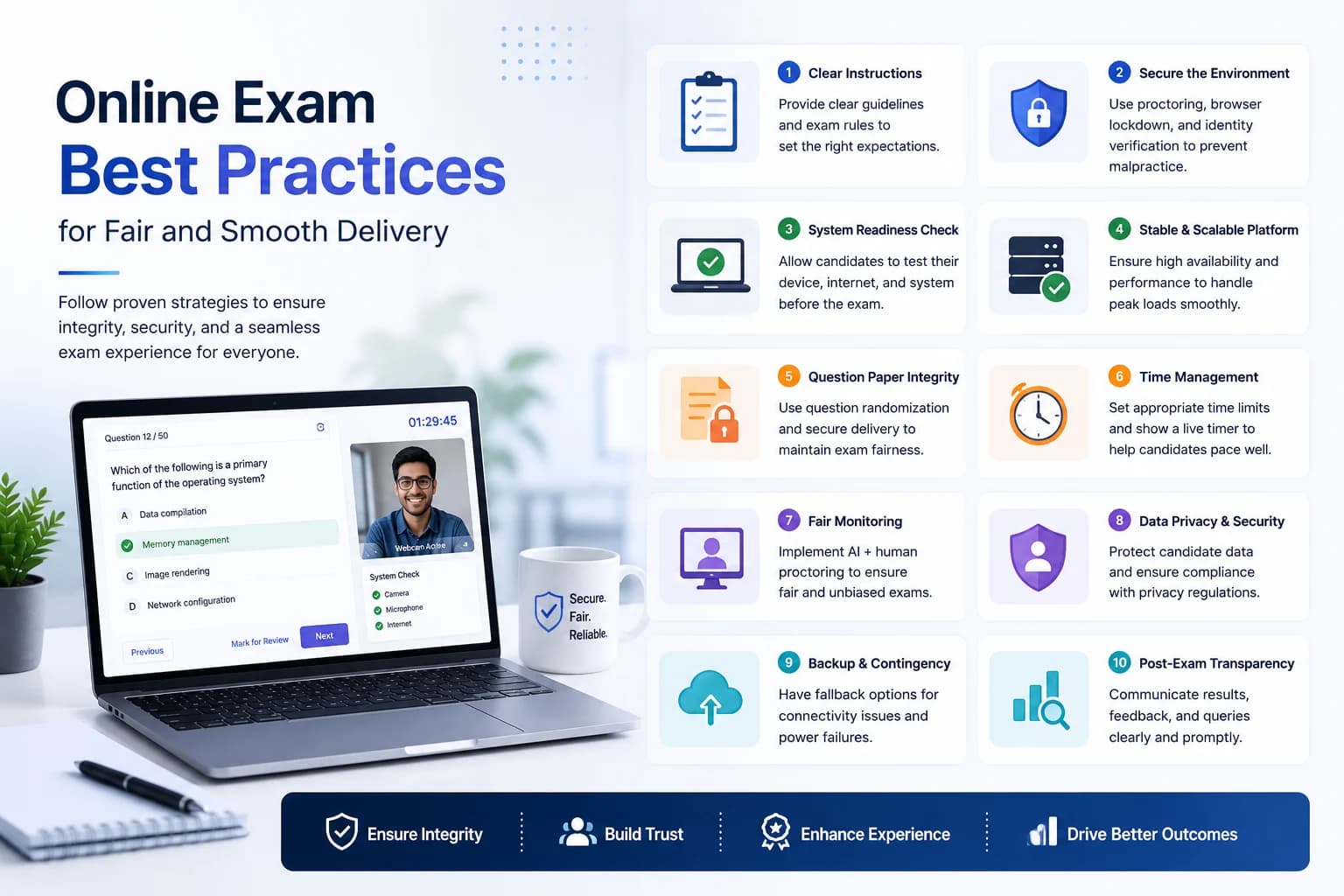
AI proctoring accesses the candidate's webcam (with explicit permission granted at the start of the exam) and analyses the video stream in real time. It flags anomalies: a second face visible in frame, the candidate looking away from the screen repeatedly, the screen going dark for extended periods, or audio that suggests someone speaking nearby. These flags are not automatic disqualifications — they are timestamps in the recording that a human reviewer can inspect later.
EasyEvaluate's AI proctoring component records the attempt and stores the recording securely for five days. During that window, administrators can review flagged timestamps for any candidate. After five days, recordings are deleted — a deliberate limit that balances audit needs with data minimisation. The entire proctoring capability is an optional $5/mo add-on; core exams run without it.
AI proctoring systems flag a certain percentage of legitimate, non-cheating behaviour. A candidate who wears glasses may trigger face-detection anomalies when the lighting causes a glare. A student taking an exam in a small apartment where another person walks past may trigger the "multiple faces" flag. Dark rooms trigger "screen dark" flags. These are false positives — the behaviour was flagged but does not indicate cheating.
A responsible proctoring review process treats flags as the beginning of the investigation, not the conclusion. Human review of the flagged timestamp and context resolves most false positives in under two minutes per candidate. Never make a decision based on AI flags alone — always watch the relevant video segment before taking action.
Manual proctoring involves a human observer watching a live video feed during the exam. It provides the highest level of real-time oversight but scales poorly — one proctor can watch five to ten candidates simultaneously. AI proctoring monitors every candidate simultaneously but requires human review of flagged segments afterward. For large-scale exams (50+ candidates), AI proctoring with human review of flagged attempts is more practical than live manual observation.
Not every candidate can participate in webcam-based proctoring. For candidates without webcam access — whether due to hardware limitations, disability, or privacy of household circumstances — an alternative must be available. Options: in-person supervised attempt at a centre, a rescheduled supervised session, or the exam's basic integrity controls (shuffle, fullscreen) as a lower-integrity alternative. Define the alternative in writing before the exam cycle begins so the process is consistent.
Proctoring requires webcam access, which requires explicit candidate consent. Inform candidates in the exam invite that the exam will be proctored and that a webcam is required. Include a brief statement of what is recorded, how long it is stored, and who will review flagged segments. Transparency reduces candidate anxiety and removes the argument that the proctoring was undisclosed. Candidates who object to webcam recording for documented reasons should be offered an alternative arrangement.
Webcam recordings are sensitive personal data. A responsible proctoring implementation stores recordings only as long as needed, limits access to authorised reviewers, and deletes them on a clear schedule. EasyEvaluate's five-day retention window is deliberately conservative — long enough for result finalisation and dispute review, short enough to avoid indefinite storage of biometric video data. Institutions with specific data residency requirements should confirm storage jurisdiction with the vendor.
Proctoring is not a replacement for other controls — it is an addition to them. An exam with proctoring but no shuffle is still vulnerable to candidates sharing answers beforehand. An exam with proctoring but an open, unscheduled access window creates ambiguity about which attempt to review. The strongest integrity setup: shuffle enabled, strict access window, invite-only personalised link, and proctoring active. Each layer closes a different vulnerability.