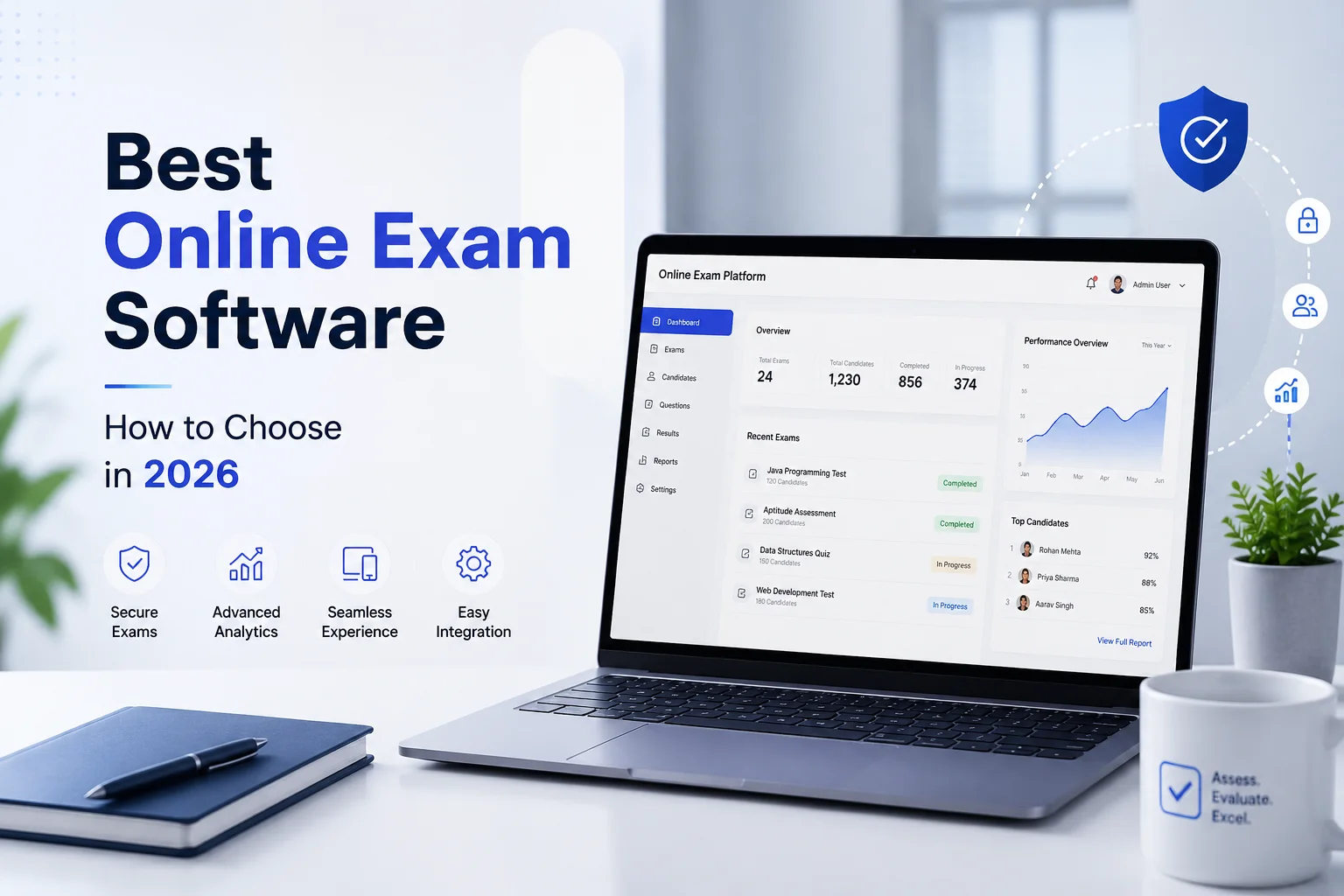
Looking for the best free quiz maker or online test generator? Whether you're a teacher, coach, recruiter, or corporate trainer, EasyEvaluate by Rashhworld offers a secure, user-friendly platform to create, manage, and analyze quizzes and tests — with a free core and optional AI add-ons when you need them.
This article unpacks who the product serves, the features that matter in real exam workflows, how it compares with generic tools, common mistakes when evaluating quiz software, and when EasyEvaluate is the practical choice. For a product landing view, start at the quiz maker or online exam software pages.
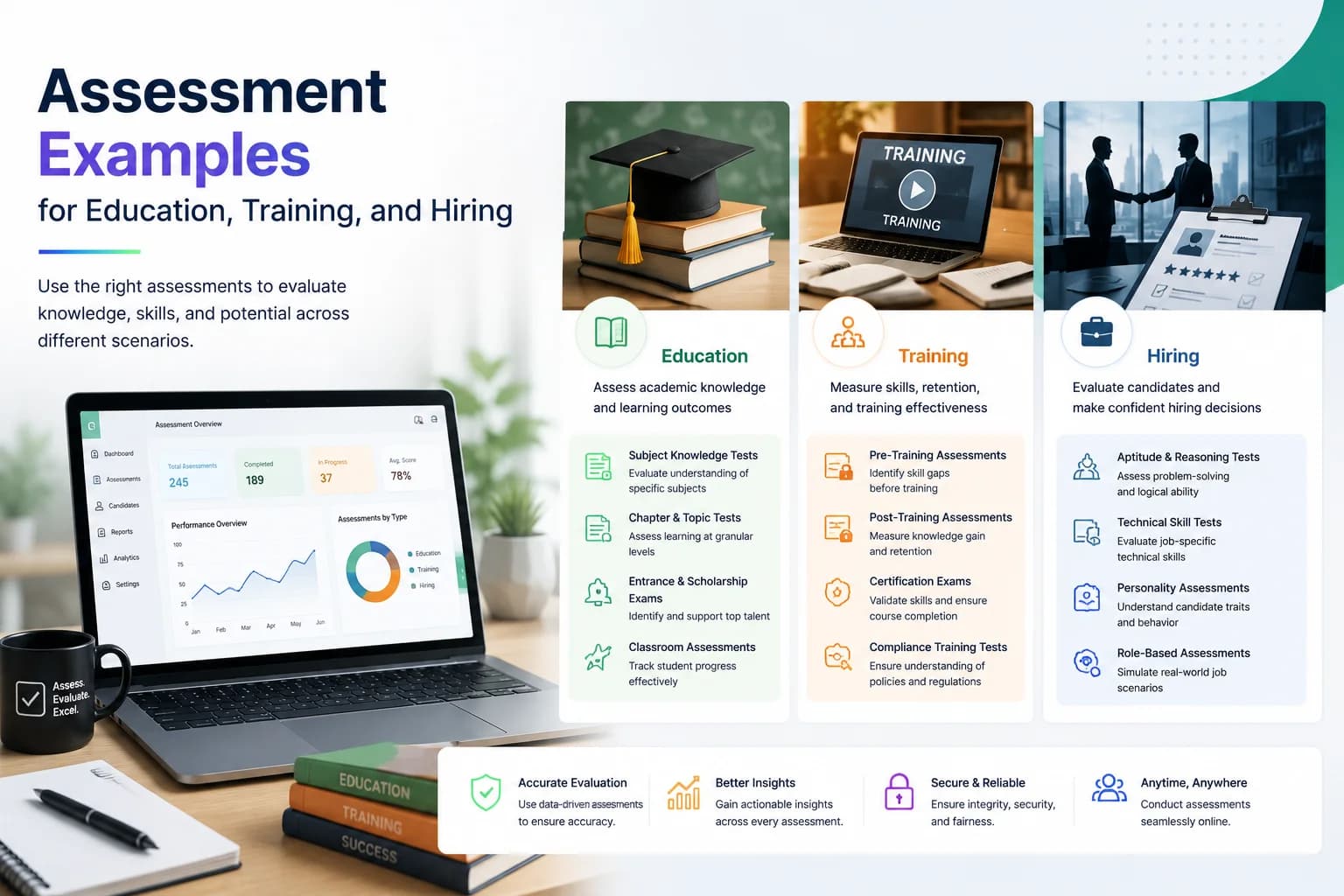
EasyEvaluate works for anyone who needs graded, timed, or reusable assessments — not just a one-click survey. Typical users include:
If you only need anonymous feedback forms, stick with a form tool. If you need question banks, shuffle, analytics, and free email test invites, keep reading.
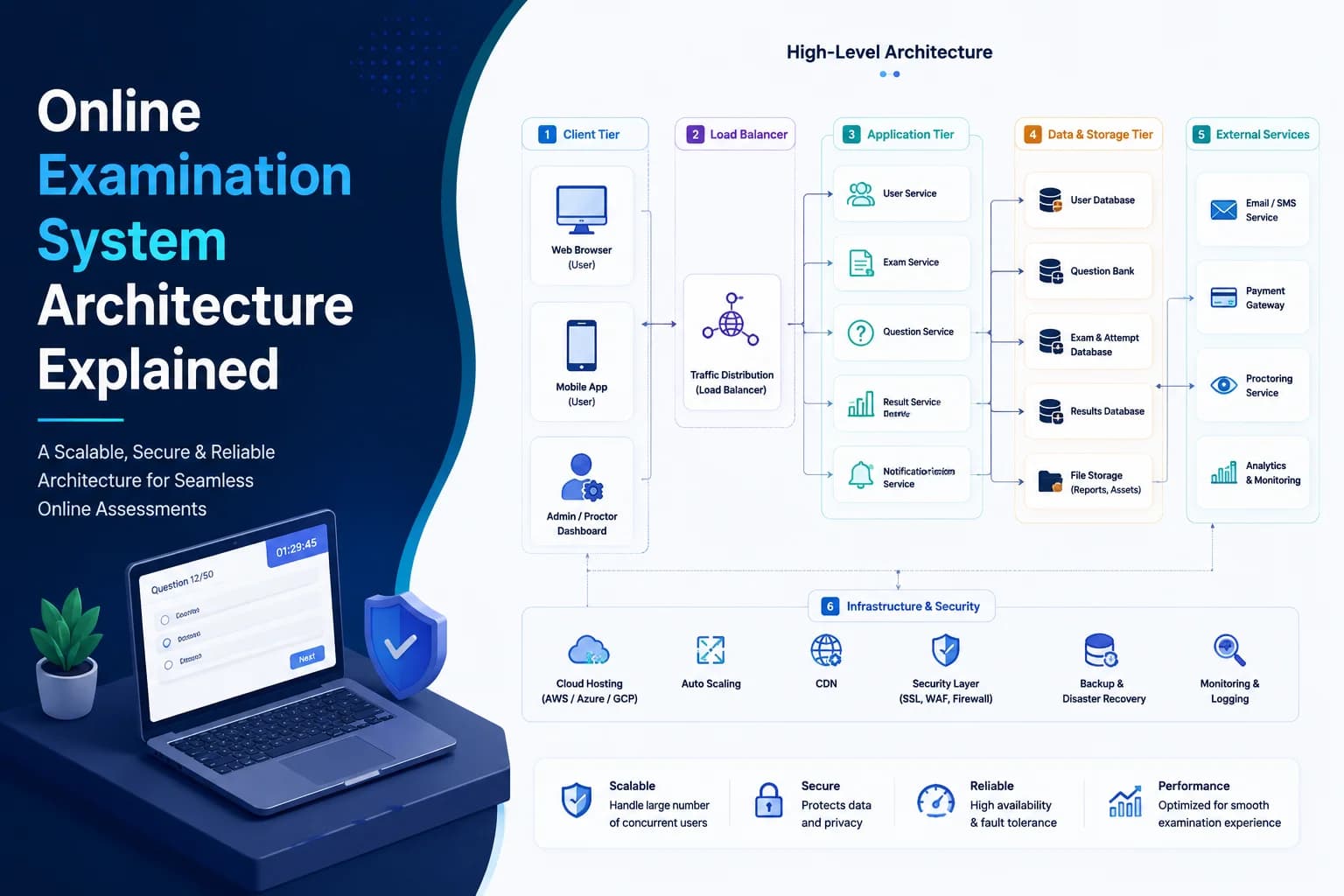
EasyEvaluate is more than a quiz toy — it is full-featured free online exam software with an intuitive interface and a backend built for secure delivery and detailed analytics. You design once, reuse across batches, and export results for faculty meetings or hiring panels without fighting per-candidate fees on the core plan.
Create as many quizzes and assessments as you need on the free core — no hidden per-test fee for standard usage. Design papers across subjects, topics, and difficulty levels, then clone them for the next cohort. Check pricing when you want optional AI add-ons.
Build diverse assessments using formats such as:
Mix formats in one paper so you can test recall, multi-concept reasoning, and classic assertion-reason patterns common in competitive exams.
Use the built-in rich text editor to format stems, insert images, include LaTeX equations, and embed tables or code blocks — ideal for STEM and technical screening. Avoid shipping blurry formula screenshots when LaTeX will render cleanly for every candidate.
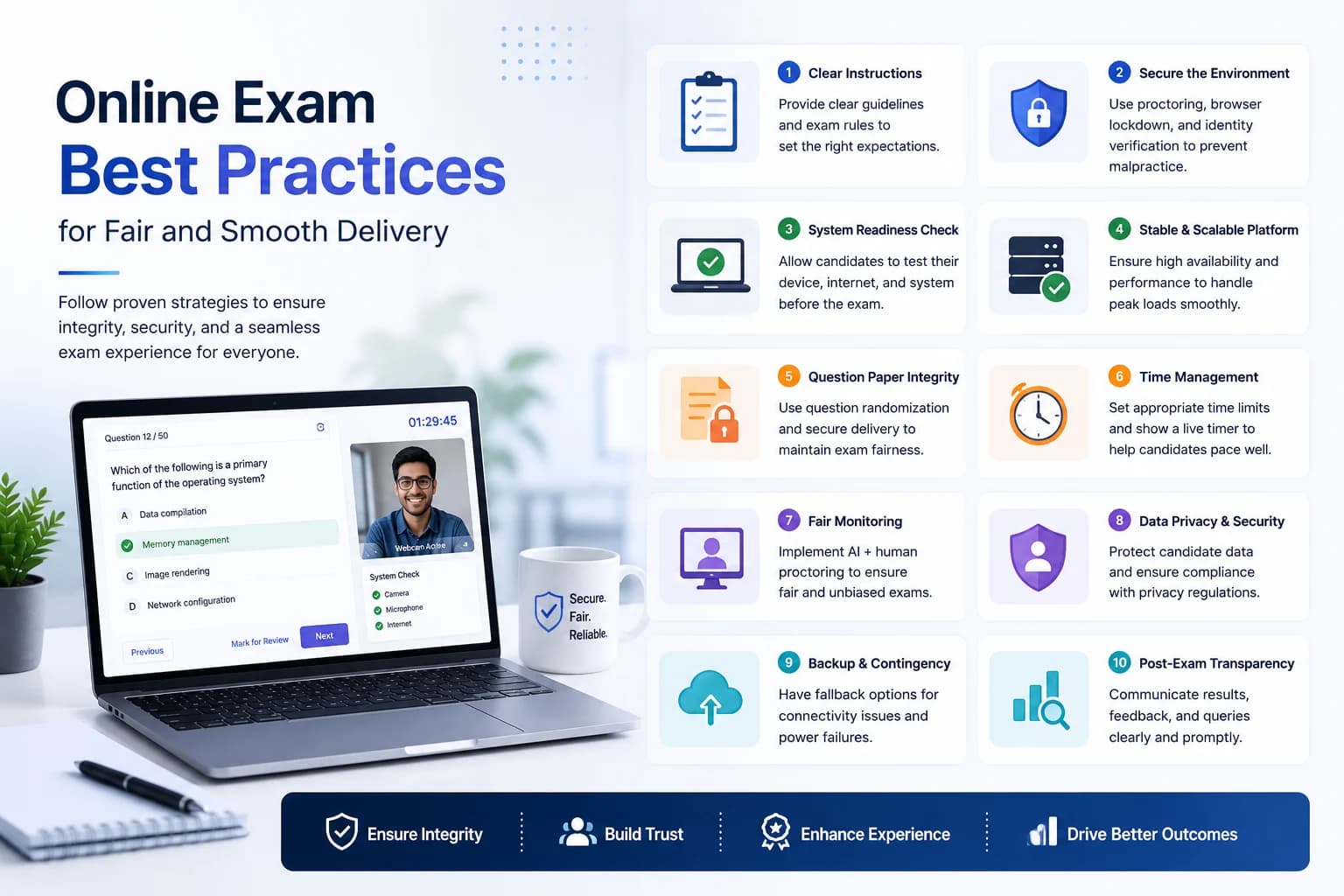
Protect integrity with practical anti-cheating controls:
For high-stakes remote exams, add AI proctoring ($5/month) with webcam recording, automatic behavior flagging, and 5-day recording retention. Pair browser controls with clear candidate instructions — see how to prevent cheating in online exams.
Share test links via WhatsApp, LMS, or email from the dashboard. Email invites are free — you do not need to paste the same URL into hundreds of chats. EasyEvaluate supports optional access controls for secure delivery and stays mobile-friendly so learners can attempt from phone or laptop.
Get real-time reports and breakdowns, including:
Item analysis is where quiz software earns its keep: retire ambiguous items, reinforce weak topics, and shortlist candidates with evidence instead of gut feel alone.
Two optional add-ons unlock capabilities that matter at volume. Both sit on top of the free core and are listed on features:
For a longer operational checklist, use how to conduct online exams.
Generic survey tools win on speed for RSVPs and feedback. They usually lose on exam-grade integrity, STEM content, bulk invites with consistent instructions, and hiring-ready rank reports. Live game platforms win for engagement but are a poor fit for formal grading. Enterprise assessment suites may add SSO packaging and long-term recording archives — at a price that many schools and startups do not need on day one.
EasyEvaluate sits in the practical middle: free core for everyday delivery, $5/month AI drafting, $5/month AI proctoring with 5-day recordings, and free email invites. That mix is why many teams outgrow Forms without jumping straight to enterprise contracts.
Use EasyEvaluate when you need:
Choose something else for pure live trivia, anonymous marketing quizzes, or org-wide LMS replacements that must own every content type under one license. Teachers who want classroom-focused tips can also read quiz maker for teachers.
Yes. The core platform is free. Optional AI proctoring and AI question generator are $5/month each. Email invites stay free. See pricing.
Yes, via the AI proctoring add-on ($5/month) with 5-day recording retention.
Yes, with the AI question generator at $5/month. Review every draft before it reaches candidates.
Browse the blog, features, and compare pages when you are shortlisting tools.
The difference between a one-off quiz and a durable assessment practice is the bank. Tag items by topic and difficulty the week you write them. Retire ambiguous stems after you see item stats. Clone papers for new cohorts instead of rewriting everything. Excel import helps when a department already maintains questions in spreadsheets; the rich editor helps when STEM teachers need LaTeX rather than screenshots.
If authoring volume is the bottleneck, enable the AI question generator ($5/month) for first drafts, then apply the same review checklist you would use for human-authored items: one clear objective, no leaked answers in the stem, plausible distractors, and fair language for every candidate group.
Strong quiz software is not only a builder — it is a delivery loop. Publish with a clear window, send email test invites so instructions stay identical, monitor completion, then export ranks and item reports before the next teaching or hiring decision. For remote high-stakes papers, add AI proctoring ($5/month) and review flagged sessions inside the 5-day recording retention window. That loop is what turns a quiz maker into operational online exam software.
Teams that skip the review step keep recycling weak items and wonder why scores feel noisy. Teams that over-proctor weekly practice quizzes burn goodwill. Match the control set to the stakes, keep the free core for everyday work, and spend the two $5 add-ons only where they change outcomes. That is the practical EasyEvaluate by Rashhworld model — honest pricing, clear features, and enough depth for real exams without enterprise bloat.
Not every quiz needs the same lock. Weekly formative checks often need a timer, shuffle, and clear instructions — nothing more. Midterms and campus screens usually add attendee limits and stricter navigation. Remote certifications and competitive hiring rounds are where AI proctoring ($5/month) earns its keep: webcam recording, automatic flags, and a 5-day window to review disputed attempts. Overusing proctoring on low- stakes practice creates friction without improving learning. Underusing it on high-stakes remote exams creates results you cannot defend.
Write the policy once. Tell candidates what is monitored, what devices are supported, and how to ask for help if the camera fails. Pair that policy with free email test invites so everyone receives the same text. Then keep everyday authoring on the free core, optionally accelerating drafts with the AI question generator ($5/month). That is how EasyEvaluate stays useful as both a lightweight quiz maker and serious online exam software.
EasyEvaluate by Rashhworld is a practical home for creating online tests and quizzes — free at the core, secure when configured carefully, and expandable with $5 AI add-ons. It suits educators, trainers, and recruiters who need reliable assessment without enterprise bloat.
Create your free test